




Plan social like a team on Planable

Planable keeps social media management, team feedback and organization in one calm workspace.

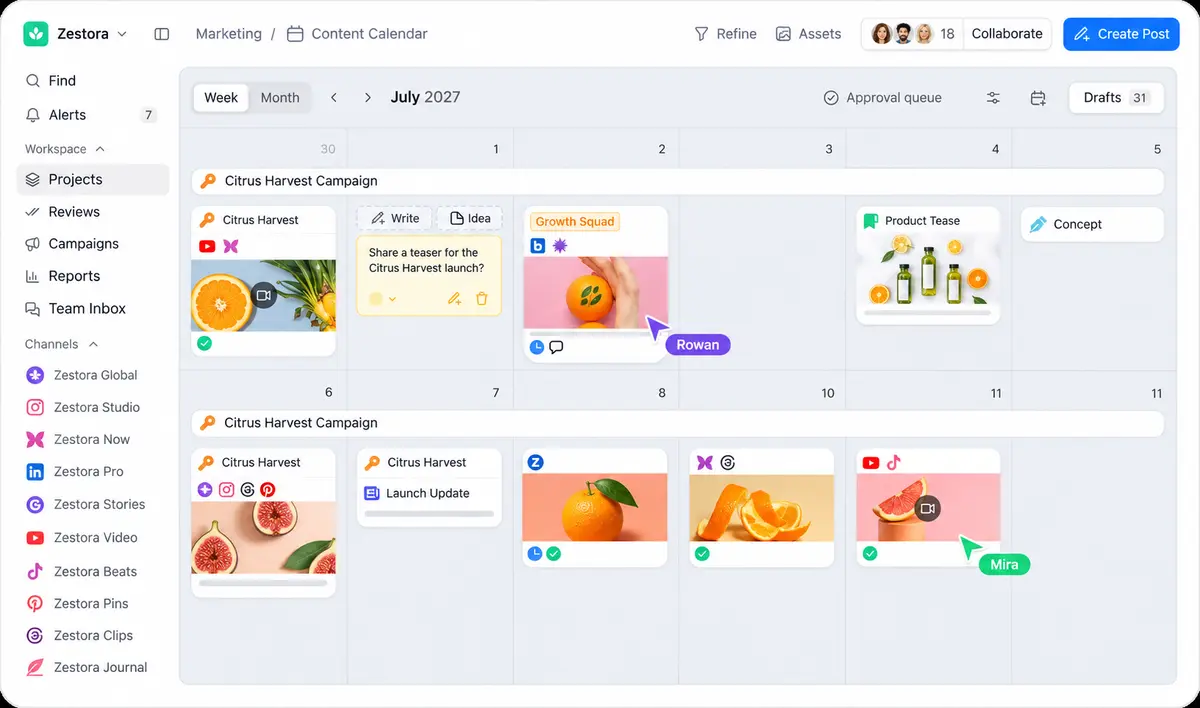
Planable content calendar screenshot: week view with launch campaign posts, orange and fig food photos, channel list sidebar and two teammate avatar cursors on a light gray interface

Where social teams turn ideas into posts, side by side. No spreadsheets, email chains or status calls. Planable is the one place to create, discuss, approve and publish content, then engage and measure its impact.

See your content from every angle

Switch between four Planable views without losing context.

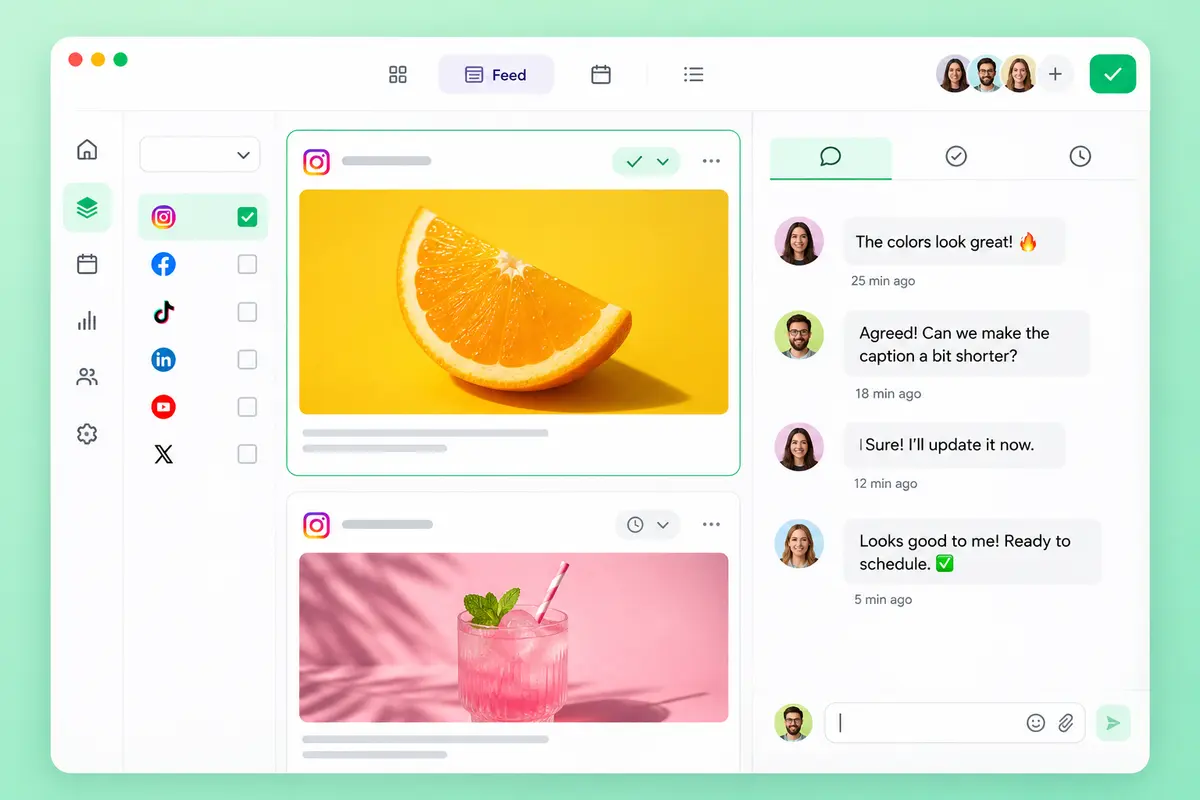
A feed view that shows posts as they go live

  • Looks and feels like the native platforms, so nothing new to learn.

  • Post previews sit in plain sight, no extra clicks.

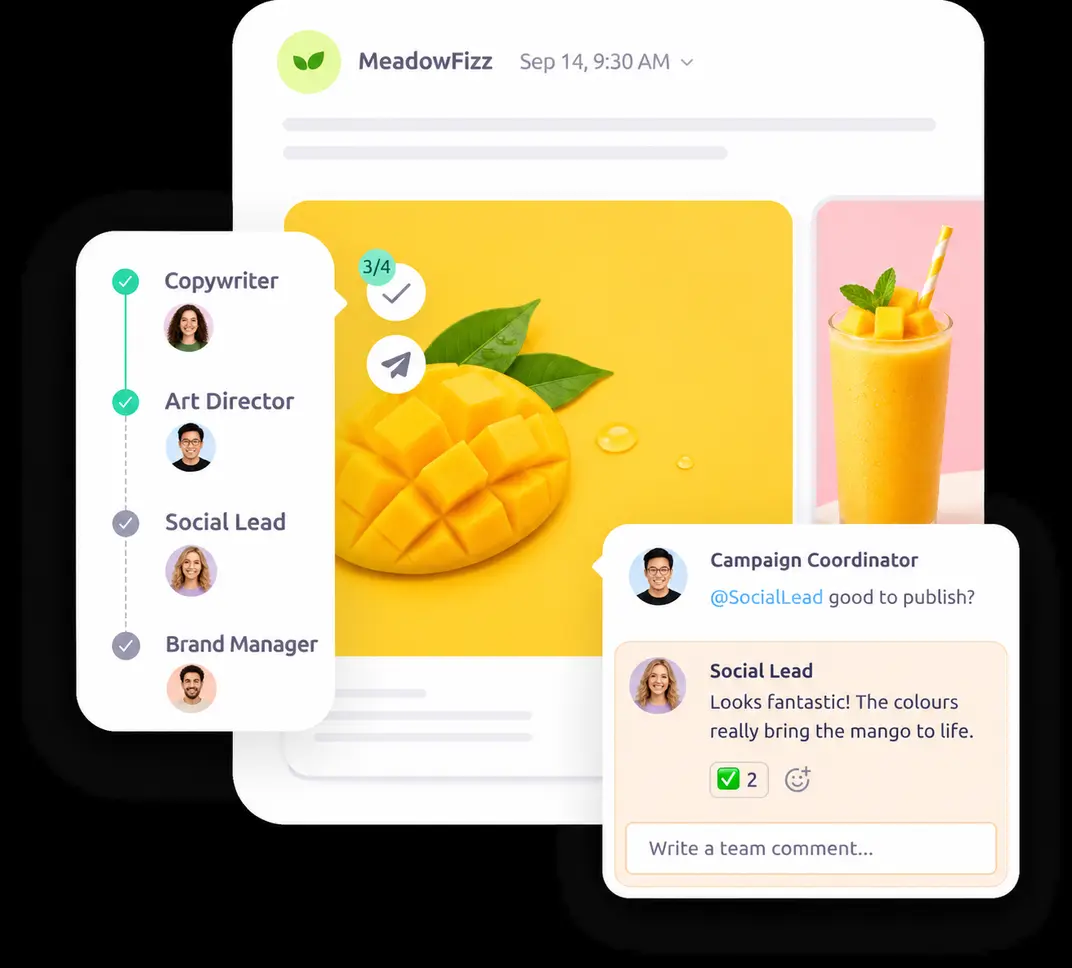
  • Comments and approvals in context, right beside each post.

Planable feed view screenshot: social post card with an orange slice photo on yellow, a pink drink photo, and a comment thread between teammates on the right, white UI on mint background

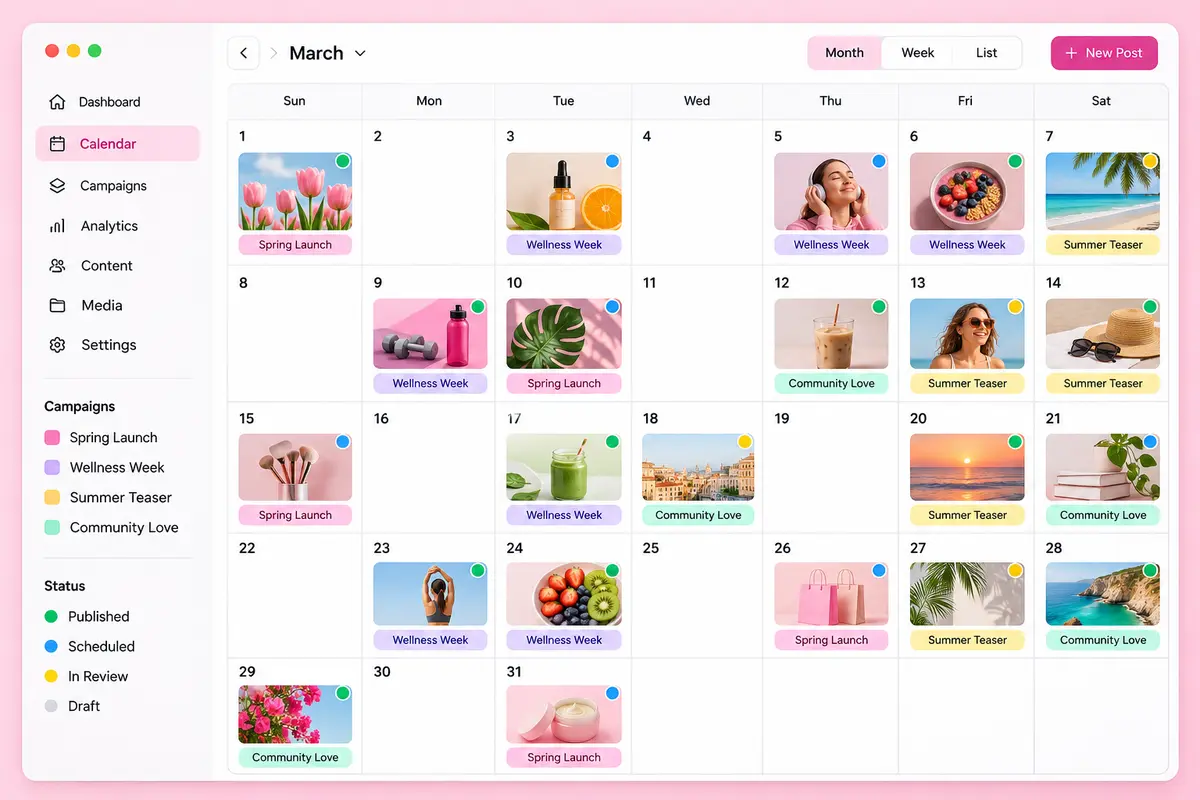
A calendar packed with real post previews

  • See how a week or month of content fits together at a glance.

  • Schedule, approve or remove posts with handy shortcuts.

  • Reshuffle whole months in seconds with drag and drop.

Social media calendar screenshot with a monthly grid of colorful post thumbnails, campaign labels and status dots, clean white app UI on a soft pink background

An Instagram grid you can rearrange

  • Drag posts around until the grid feels right.

  • See the full profile, even posts published outside Planable.

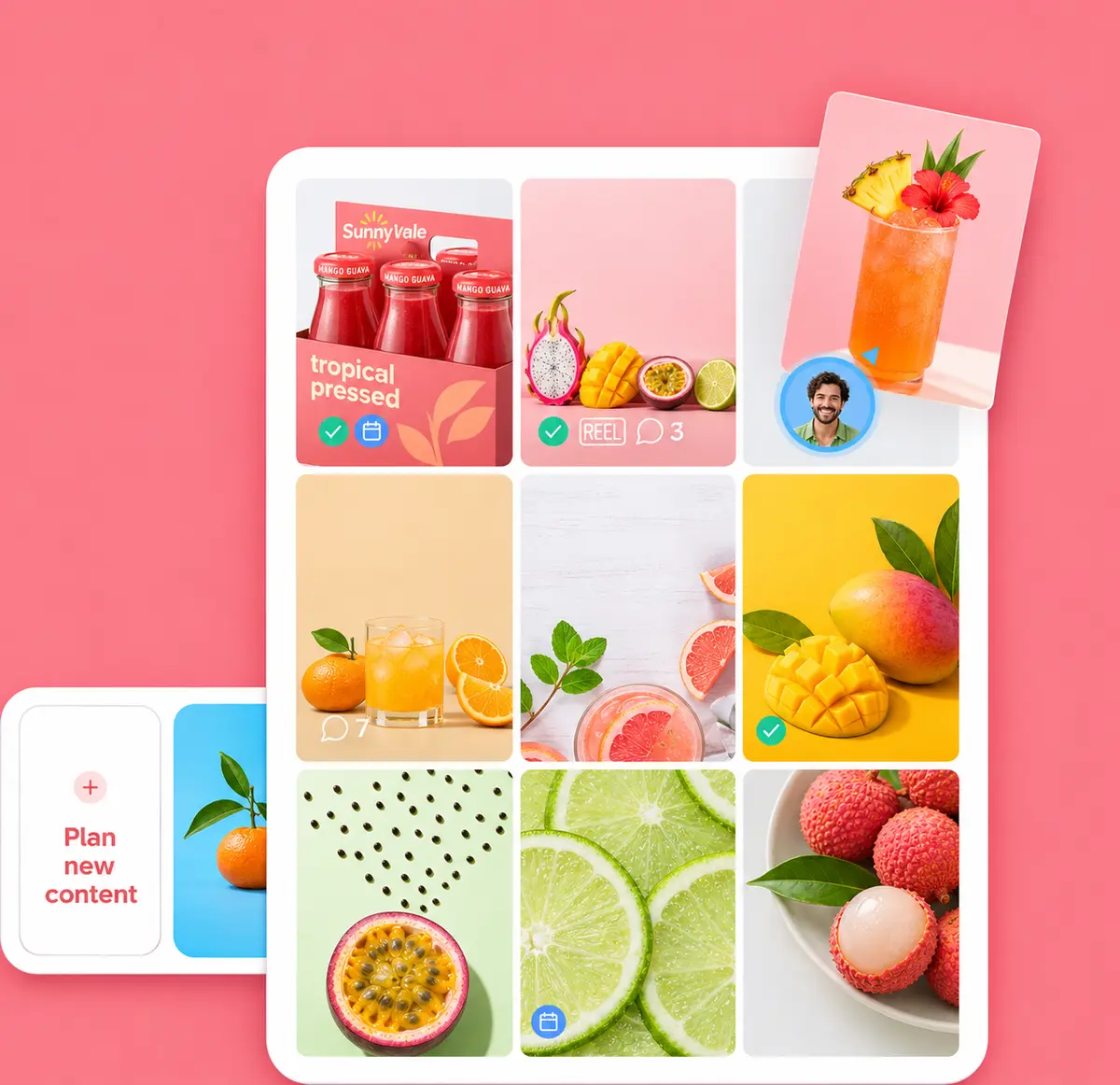
  • Spot which posts are approved and which still need work.

Instagram grid planner screenshot showing a three-column feed of fruit and juice photos with approval check badges, white UI framed on a peach background

A list view built for bulk moves

  • Approve, schedule, delete or duplicate in bulk across workspaces.

  • Filter, select everything and apply changes at once.

  • Save custom views with your favorite filters.

List view screenshot of scheduled social posts in rows with checkboxes, channel icons, dates and status chips, white interface on a lavender background

Swap feedback that’s straightforward

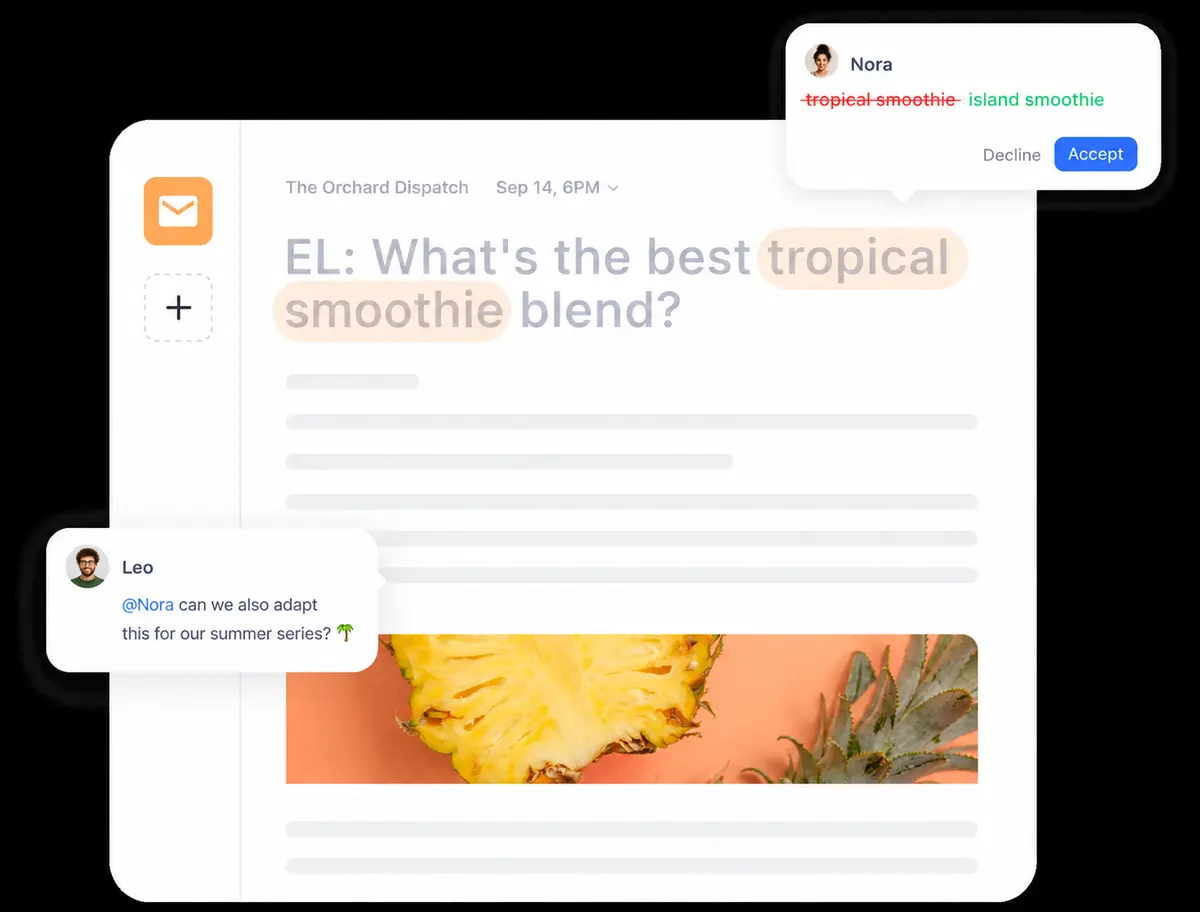
Comments, suggestions and notes in one thread

  • Keep every note, private or shared, in one place.

  • Get precise feedback through suggestions and annotations.

  • Send one-time Planable links for quick outside input.

Mobile crop of a draft post with an inline suggestion and comment bubbles over a pineapple photo
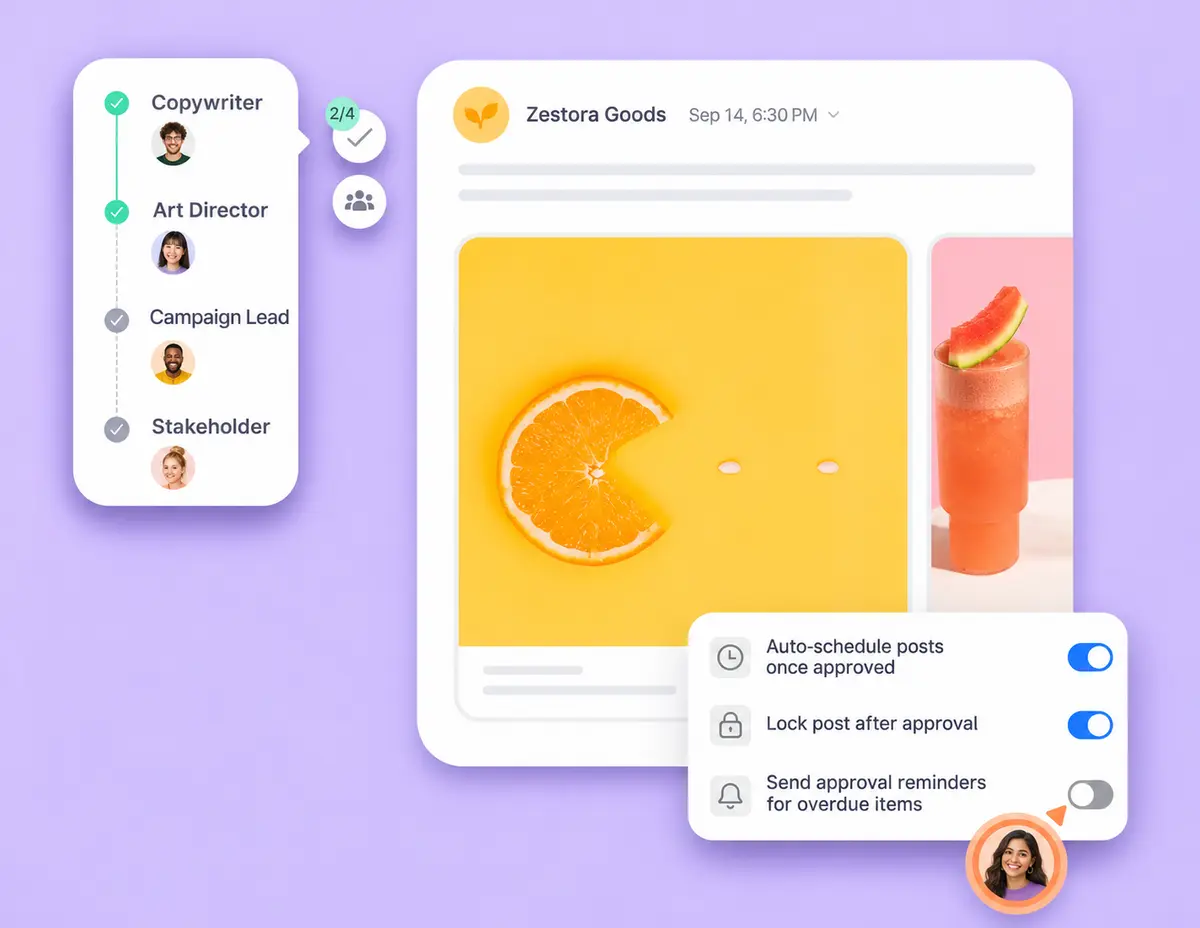
Mobile crop of a multi-step approval checklist beside a social post preview

Approval flows shaped around your team

  • Approve step by step, like an assembly line minus the boredom.

  • A clear green light, so posts get scheduled with confidence.

  • One-click approvals that clients actually enjoy.

  • A kanban approvals board so no post slips through.

Small glowing light bulb icon on a white tile

Want a guided tour of Planable?

Book a demo

An interface you’ll want to work in

  • A space where ideas grow and stress fades.

  • Everything sits one click away, nothing buried in menus.

  • Present your work at its best to approvers.

Mobile crop of a fruit photo grid inside a social planning app
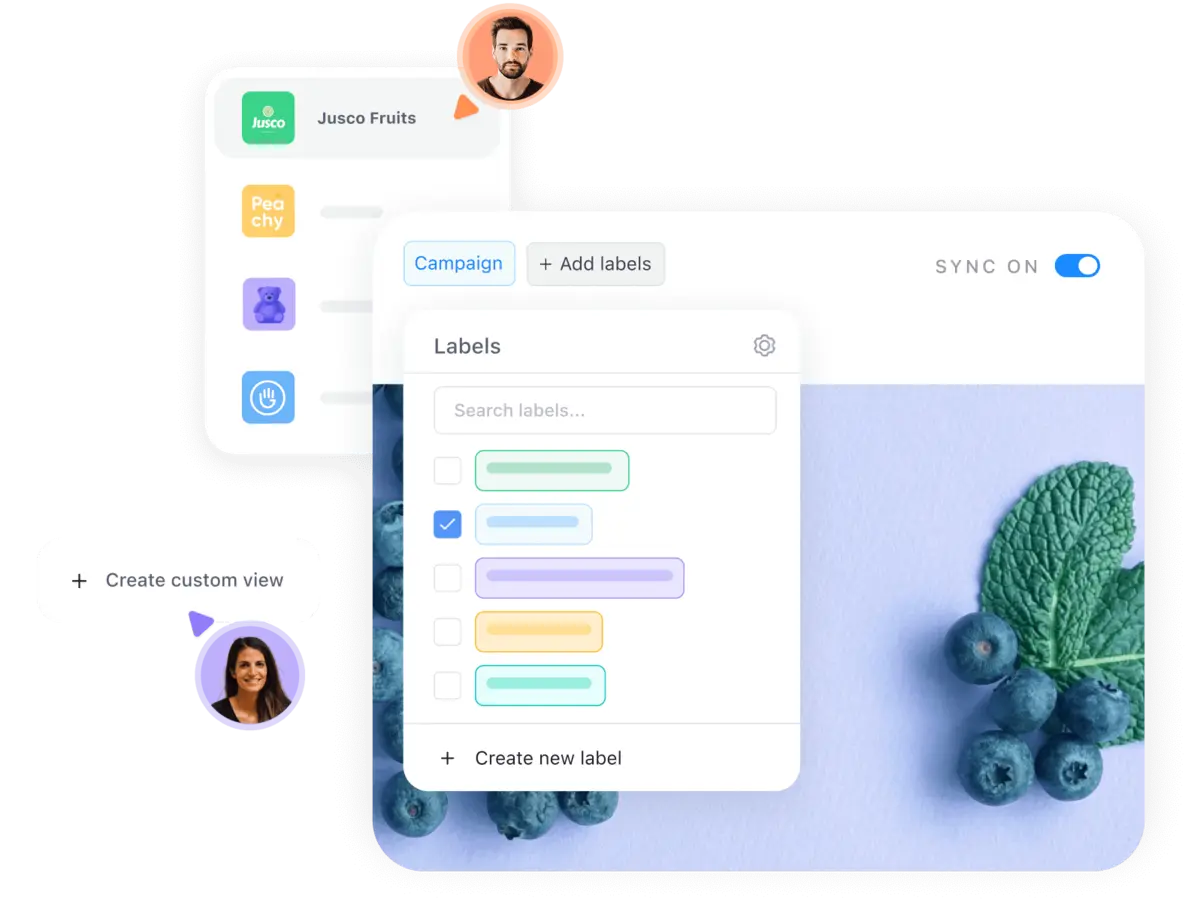
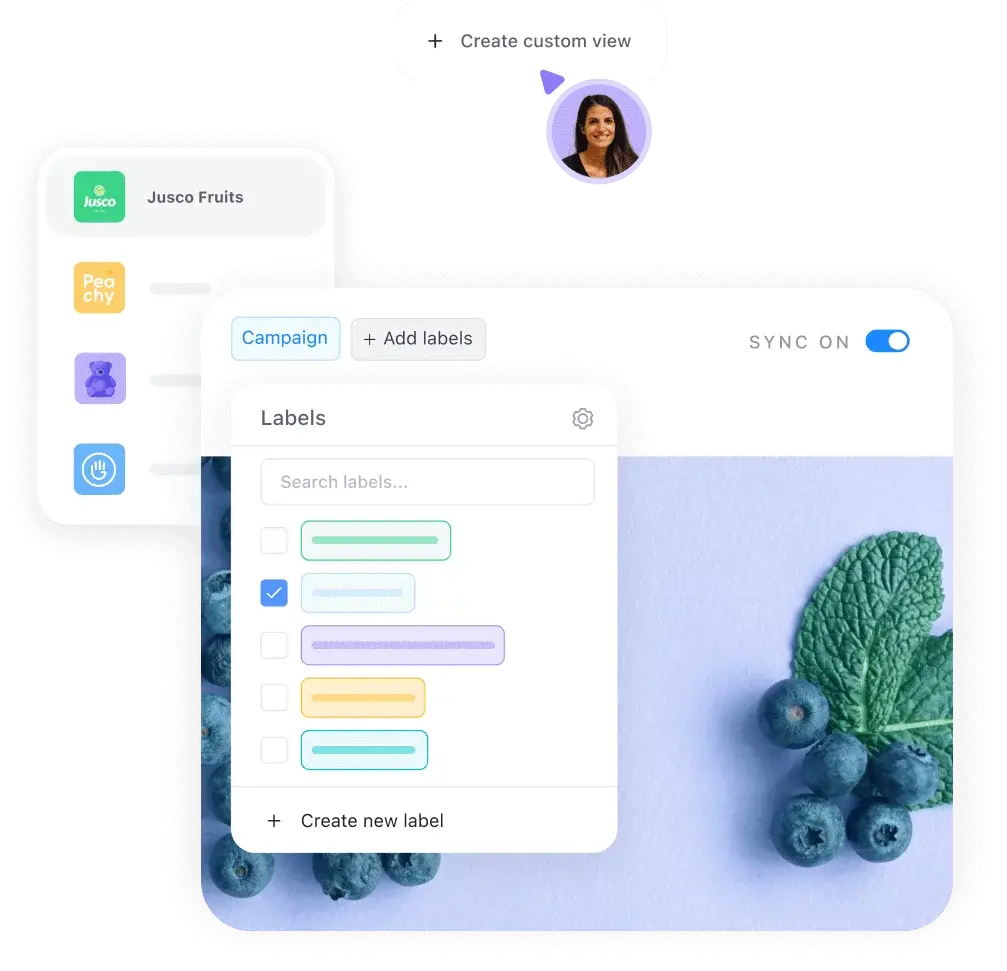
Mobile crop of a label picker and brand workspaces in a content app

Keep content tidy and easy to find

  • Give each brand its own dedicated space.

  • Use labels to sort posts by campaign or pillar.

  • Custom views and filters surface exactly what you need.

  • Store every asset in one Planable media library.

Every feature you need, nothing you don’t

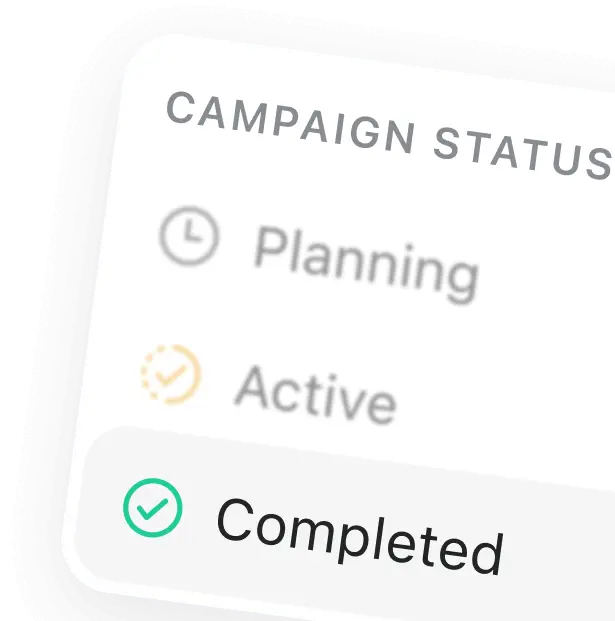
Tilted campaign status card listing Planning, Active and Completed stages with clock and check icons
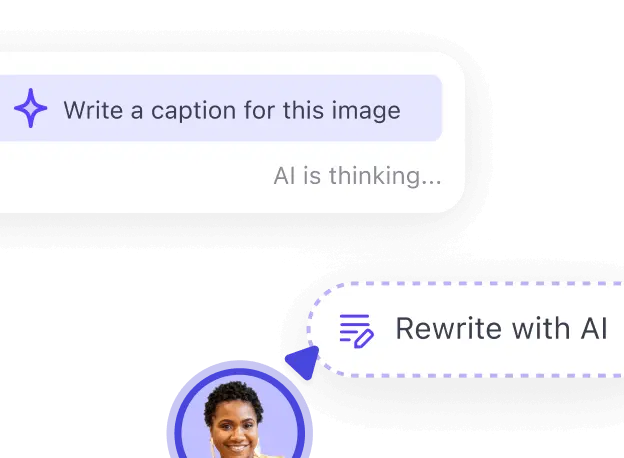
Mobile crop of an AI caption prompt with a rewrite button

Draft any kind of content in Planable

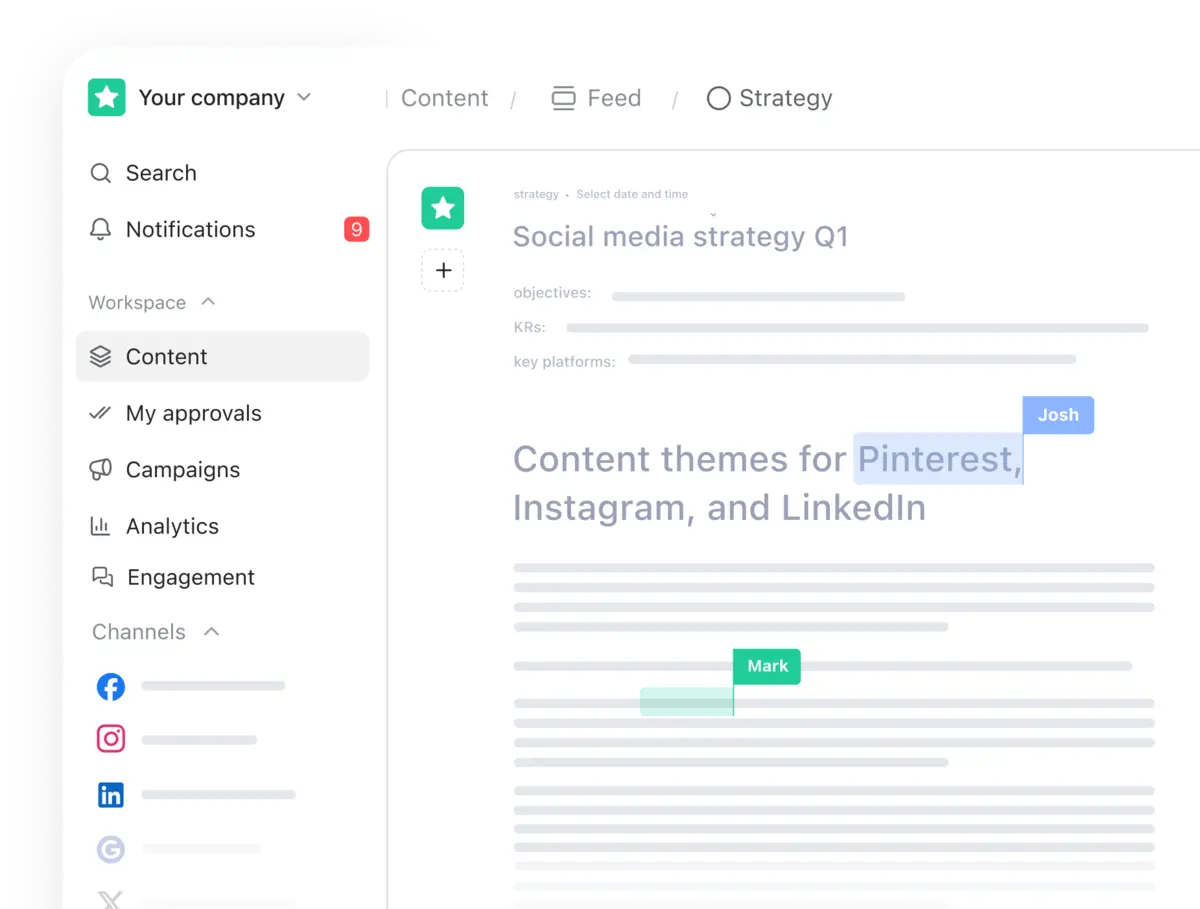
Planable document editor screenshot with a sidebar menu and a social media strategy doc being co-edited

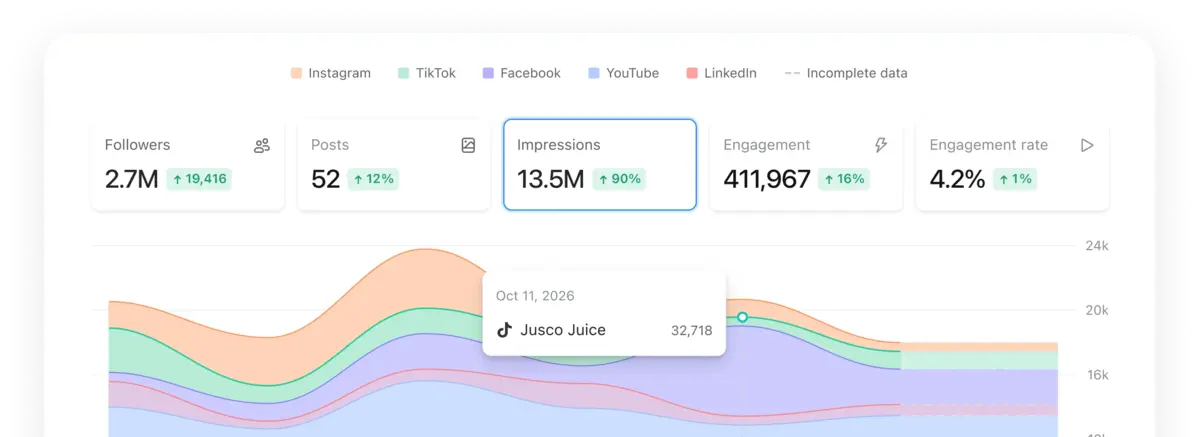
Review social analytics and build reports stakeholders read

Analytics dashboard with followers, posts and impressions tabs above a stacked area chart split by social network

Monitor brand, topic and rival mentions across social and the web

Social listening widget showing a mention volume line chart with sentiment colors, a source filter and a positive mention card

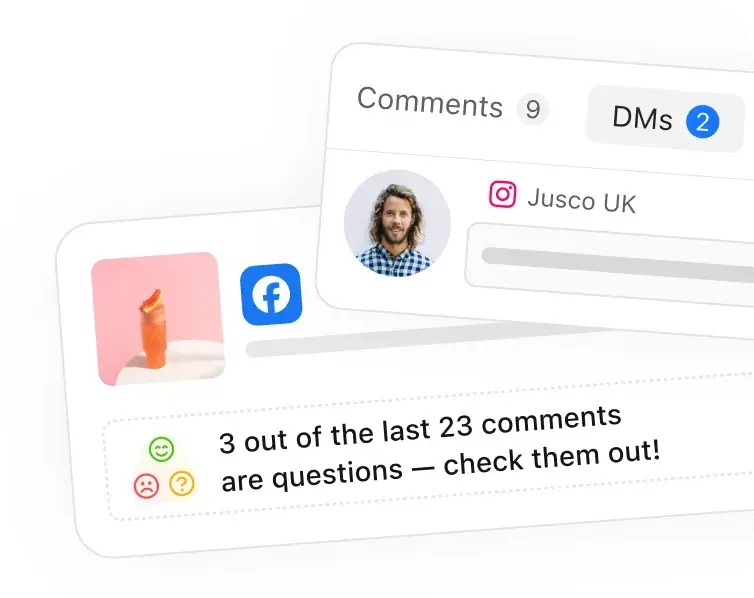
Handle comments and reply by sentiment inside Planable

Social inbox cards with comment and DM counters, a profile avatar and a note that several comments are questions
Row of four overlapping round avatar photos of smiling marketing professionals

So simple it rarely needs help, and the help is great

northfield

Support that keeps raising the bar

I’m picky about customer service and the Planable team keeps surprising me. Having every draft in one ready-to-publish place fixed our biggest headache.

Round portrait of a smiling woman with light brown hair in a lavender circle

Mara L., Content Lead

@Northfield Studio

Kitewing

The smoothest approval tool we’ve tried

Planable made uploading posts and getting client sign-off feel effortless. Drafts move to published without the usual back-and-forth.

Round portrait of a blonde woman founder in a soft purple circle

Tessa R., Founder & CEO

@Kitewing Media

brightside

Our team and clients both love it

Switching workspaces is easy and clients review posts without hand-holding. Setup took an afternoon, and we now open Planable every day.

Round portrait of a dark-haired woman consultant smiling in a lilac circle

Nadia K., Consultant

@Brightside

LUMEN PLAY

The planner creators were waiting for

Labels and approvals in Planable changed how I organize content with my crew. Less procrastinating, more shipping.

Round portrait of a bearded male creator smiling in a purple circle

Jonah B., Founder

@Lumen Play

More tools for your growth stack

Pair Planable with companion tools to grow smarter across every channel.

Search toolkit

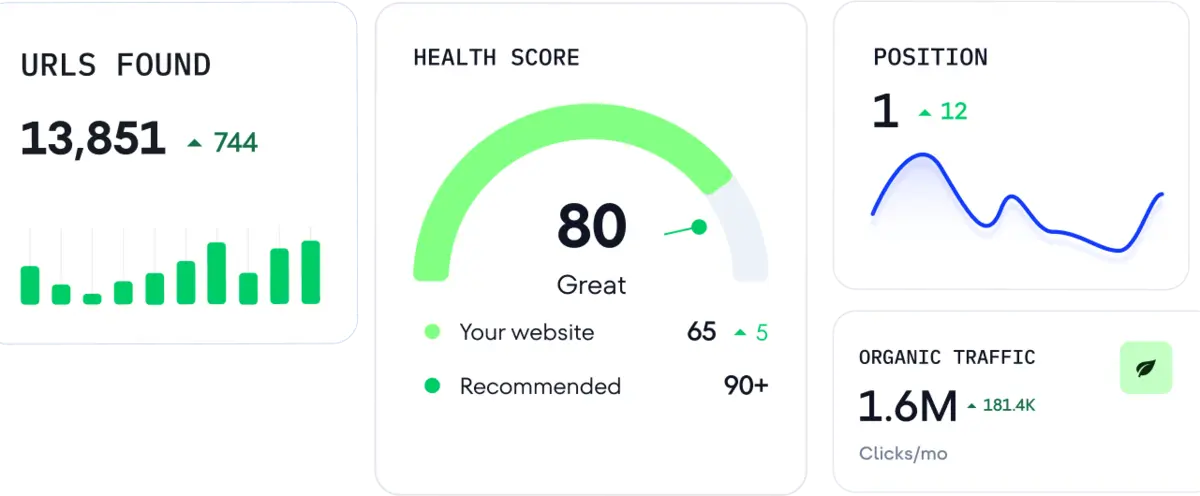
SEO and AI search software that scales with you, with dependable data for agencies, brands and SEO pros.

SEO dashboard tiles showing URLs found, a health score gauge at 80, keyword position trend and organic traffic

AI visibility

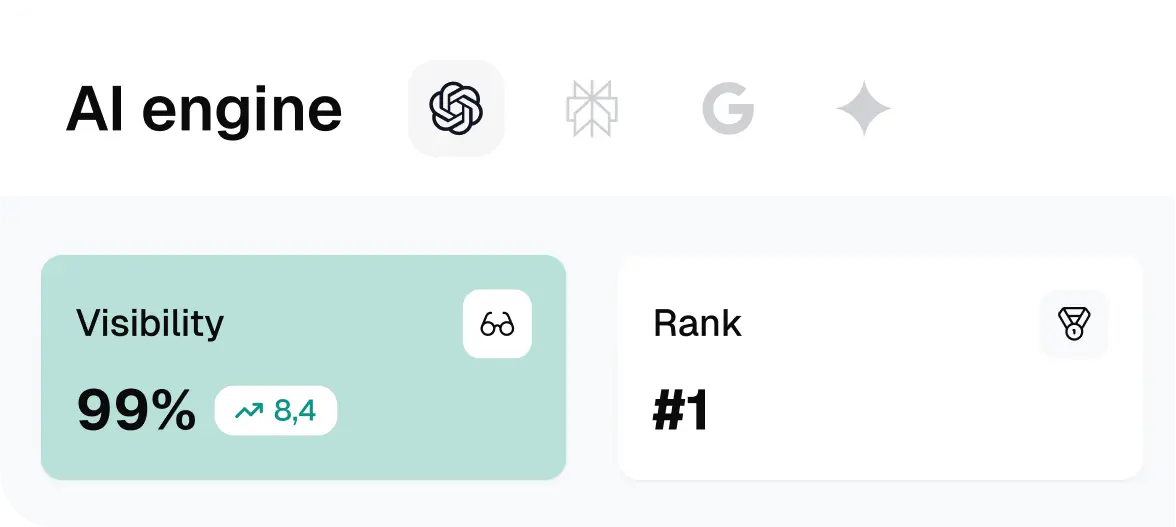
Strategic insight into how AI engines describe your brand, for sharper marketing decisions.

AI engine visibility panel with assistant icons, a 99 percent visibility score and a number one rank tile
Warner Music grayscale wordmark logo TCL grayscale wordmark logo Clarins grayscale wordmark logo Marlo Fennel Volta Oakline Warner Music grayscale wordmark logo TCL grayscale wordmark logo Clarins grayscale wordmark logo

Finally, a social media tool your team will actually like*

*Over 30,000 marketers already plan with Planable

Get started
Get started